Formula110 FORMULA 110 Kris Jordan ↗

UNC–Chapel Hill / COMP110 / Fall 2026

Programming: Five weeks out
and away we go!

In Formula110, students in their first programming course write the Python code that drives a simulated race car.

Follow the story

What is Formula110?

Students write Python programs that drive autonomous race cars.

Formula110 is a physically based racecar simulation developed in-house by Professor Kris Jordan and Isabella (Izzi) Hinks for COMP110 at UNC–Chapel Hill. It was built for the course, with Carolina-blue cars and a track where students could test their code.

COMP110 teaches programming fundamentals alongside AI competencies. Students first encountered the Academy exercise after just three weeks of programming: variables, conditionals and arithmetic were enough to begin teaching a car to drive. The experience built toward live, head-to-head races between student controllers.

Reading the sensors

Sixty times a second, the simulator calls a student’s Python function with fresh measurements of wall distance, speed and the track ahead.

The function returns steering and throttle commands. The physics engine applies those commands to the car, then the function receives the next sensor readings.

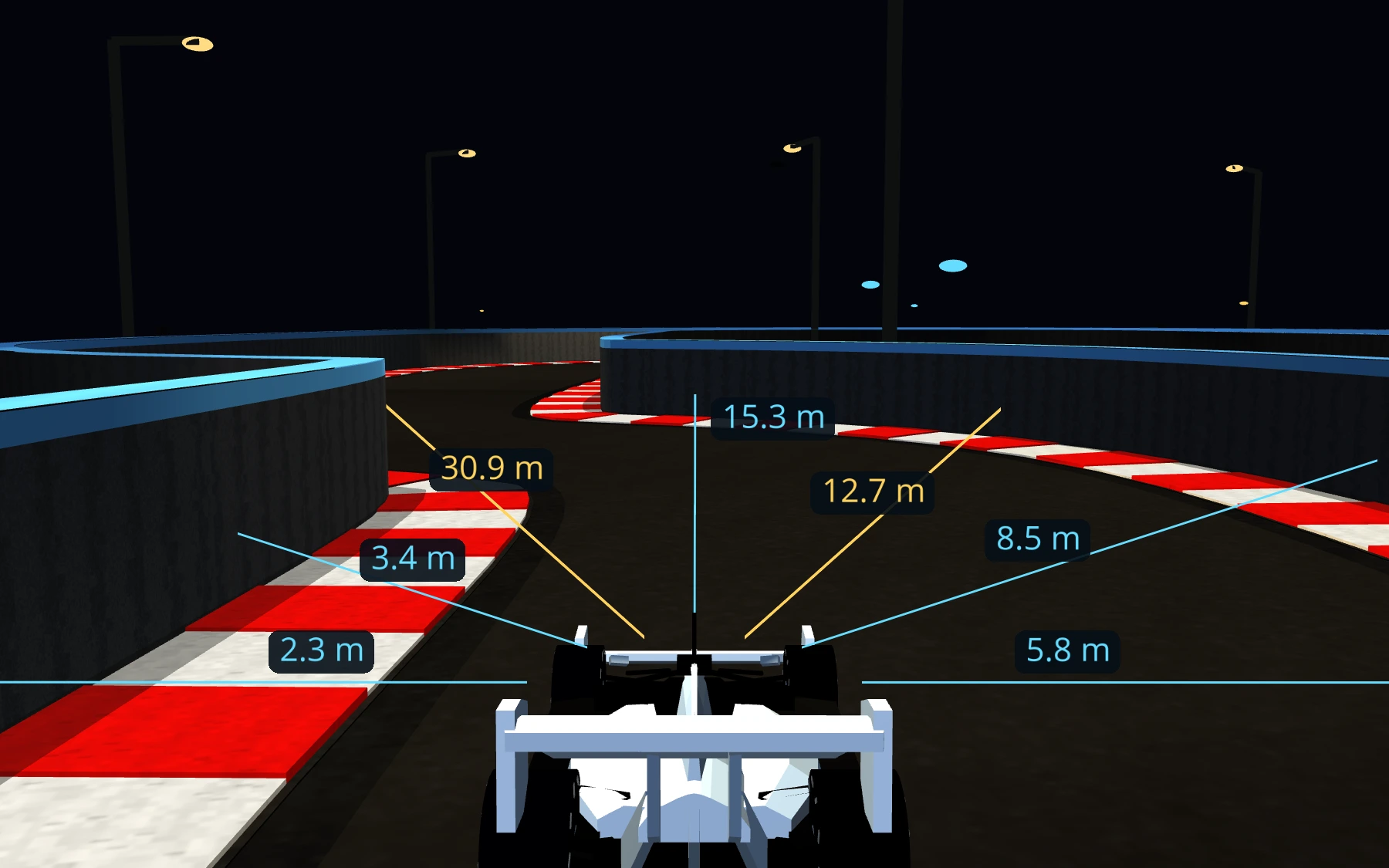
A native Formula110 close follow view with seven wall LiDAR rays labelled with their measured distances, from 2.3 to 30.9 meters
Wall LiDAR in the simulator. Gold highlights the two forward rays used in Academy; blue shows the other measured directions.

Sensory inputs

What the car measures

Wall distance
wall_lidar.front_left_m and front_right_m measure meters to the barriers, 20° either side of the nose.
Speed
odometry.speed_mps reports forward speed in meters per second.
The track ahead
Processed camera readings include center_offset_m, heading_error_degrees and lookahead offsets.

Self-driving
Algorithm

Driving outputs

Steering and throttle

Steering steer

−1.0 / Full left 1.0 / Full right

Forward throttle throttle

0.0 / Coast 1.0 / Full gas

Braking uses the same throttle input. Negative values brake a forward-moving car, then drive it in reverse once its speed is low enough. The actual API accepts throttle from −1.0 to 1.0 and has no separate brake field.

700+

students wrote code
to control a car

250+

students qualified for Formula110

60Hz

controller decisions each second

The Academy Exercise

The homework develops one controller through four levels, each using another programming idea from class.

Students begin the individual Academy exercise by driving a lap themselves. They then write the decisions that will let the car complete one on its own.

Each level stays in its own file. Students race the next version against the previous one, changing one thing at a time and checking whether it helped.

  1. Level 0

    Distance → decisions

    Read two forward wall sensors. Use conditionals to steer away from a nearby barrier and complete a lap at low throttle.

  2. Level 1

    A speed limit

    Compare the speed sensor with a chosen maximum. Request more throttle below the limit and ease off at or above it.

  3. Level 2

    Proportional throttle

    Replace the on-or-off speed choice with an arithmetic expression. Throttle changes continuously as speed changes.

  4. Level 3

    Your camera strategy

    Read the documentation and design a strategy using processed camera inputs. Replace the two forward wall sensors; speed readings remain available.

Level 0 / Python Python

if sensors.wall_lidar.front_left_m < 4.0:
    steer = 1.0
else:
    if sensors.wall_lidar.front_right_m < 4.0:
        steer = -1.0
    else:
        steer = 0.0

throttle = 0.16

return RobotCommand(
    throttle=throttle, steer=steer
)

This Level 0 example steers right when the left wall is close, left when the right wall is close, and straight ahead otherwise. A low throttle gives it time to respond.

The Level 0 controller shown here drives the car in this clip.

Qualifying

After Academy, students could enter an optional competition, working alone or with one partner.

Students submitted their controller to a separate Gradescope assignment. Its autograder ran the program for 30 simulated seconds from each of five starting positions on the same circuit, then reported scores on the leaderboard.

To qualify, the car had to last the full 30 seconds, make positive forward progress and finish below 100% damage at every start. A controller had to work from each starting position.

Students could adjust their code and submit again, comparing scores for speed, smoothness and survival.

Qualifying categories

How the race fields were selected

Sips Tea
The lowest accumulated horizontal g-load over a lap, including acceleration, braking and turning. Qualifying averaged the calmest completed lap from each start.
Gs Going Crazy
The highest accumulated horizontal g-load without wall contact. Qualifying averaged the highest-scoring eligible lap from each start.
Hits Different
The most total damage across all five runs, while surviving every one below 100% damage and making forward progress.
Gas Locked In
The fastest laps without any applied brake force. Coasting was allowed. Qualifying averaged the fastest brake-free lap from each start.
Clock It
The fastest clean laps, with no added damage and no wall contact. Qualifying averaged the fastest clean lap from each start.
Bahrain Grand Prix
Selected from All Spawns, No Crumbs: progress ranked by the weakest of five starts, with five meters deducted per marshal recovery. A completed lap was not required for this score. Controllers using concepts beyond COMP110 were excluded from the finale.
Clock It qualifying The leading qualifying controller
A new run of the controller that led the Clock It qualifying scores. Clock It rewards the fastest completed laps with no added damage or wall contact.

Racing, Research, and AI Engineering

Formula110 brought the students’ controllers together for an evening of racing in Genome Sciences 200.

COMP110 instructors Kris Jordan and Isabella (Izzi) Hinks hosted the event, with races drawn from the qualifying categories. The programs students had developed and tested now drove alongside one another on the big screen, while classmates followed the field and cheered.

Several races introduced circuits the controllers had not encountered in qualifying. The evening’s finale sent ten cars around the Bahrain circuit for three laps, testing how their driving strategies handled a different course.

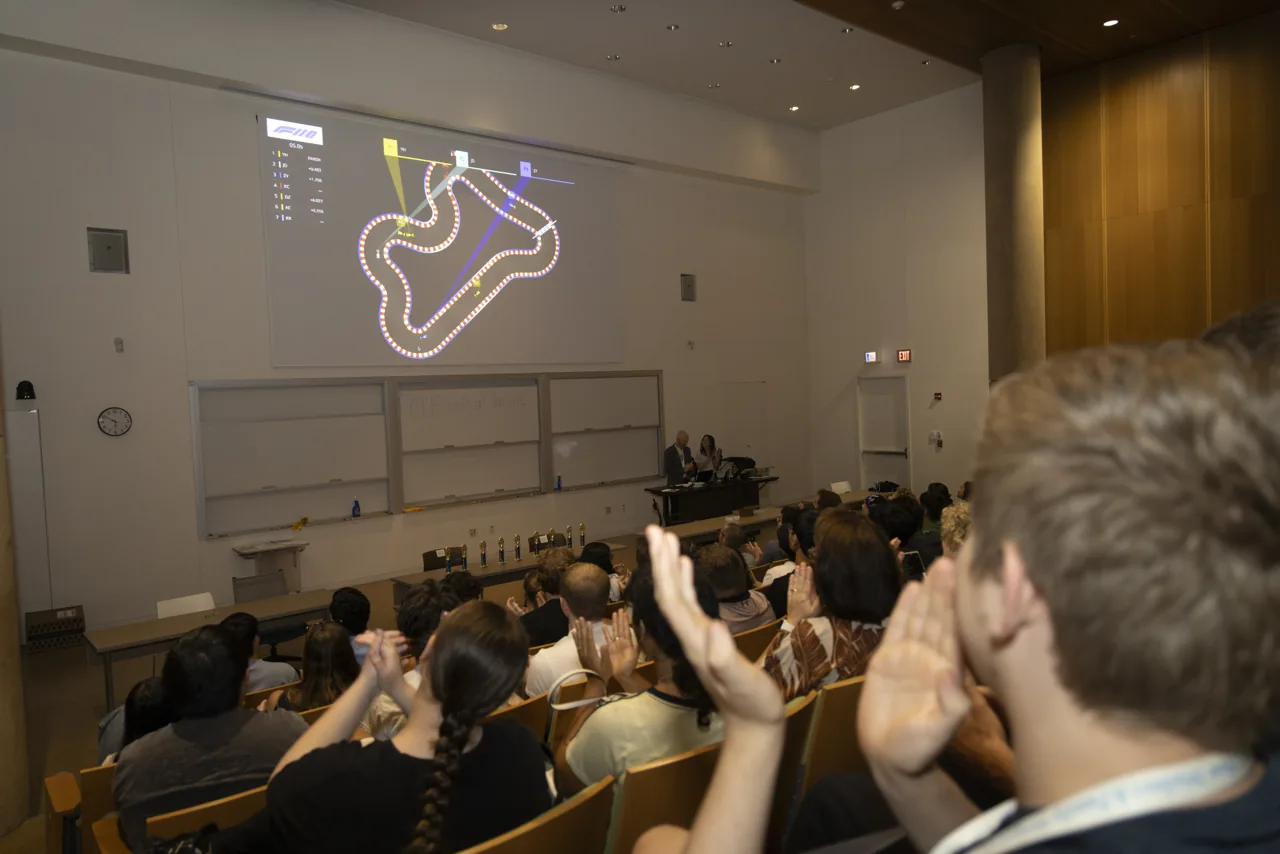
A projected race circuit in a lecture hall, with audience members applauding
October 2026 / Genome Sciences Building

COMP110 students watch their programs race in front of classmates.

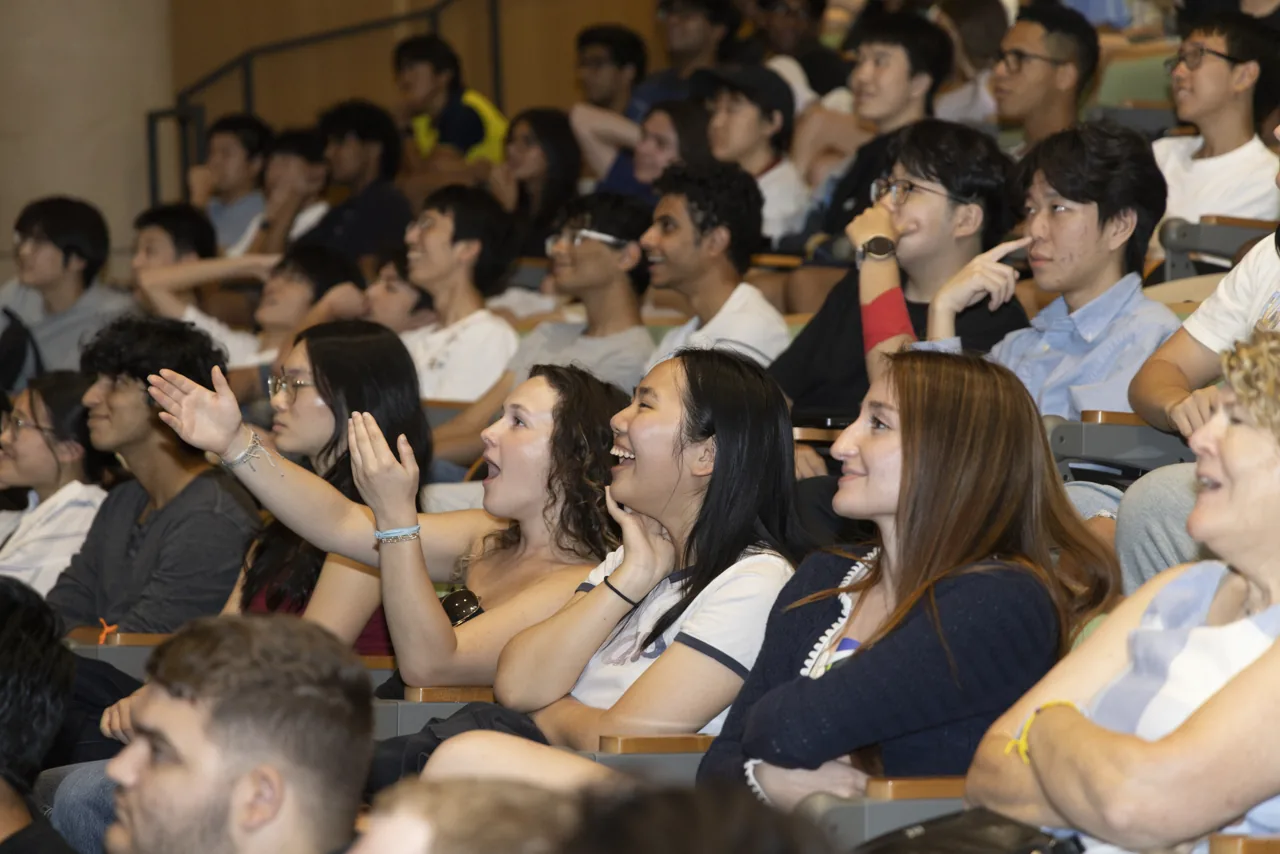
Audience members watching the race and reacting together
Clock It race highlights The qualifying field races together
The Clock It event lineup in a new simulator replay, from the start through the closing laps.
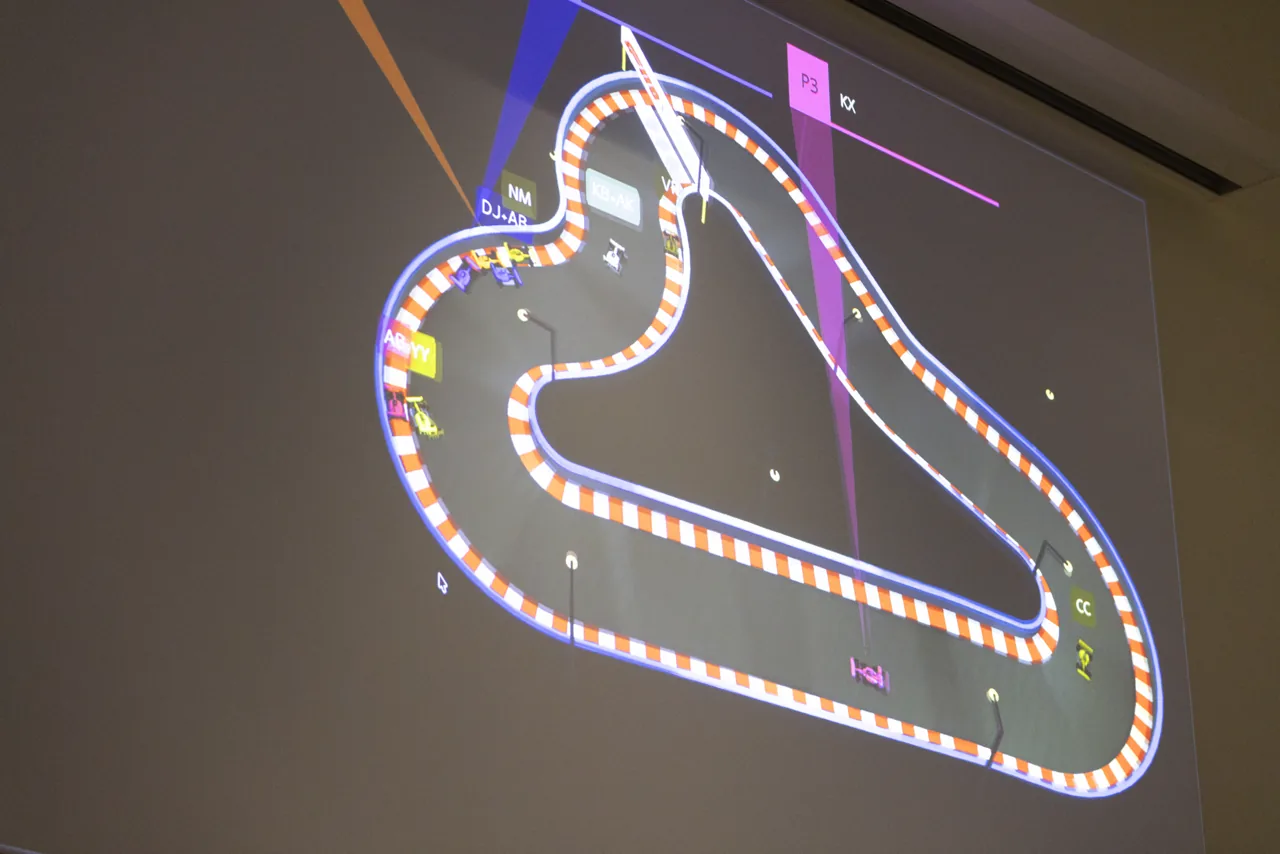
A close view of the race circuit projected onto the lecture hall screen
The race display follows the cars and their positions in the field.
Audience members reacting as they watch the projected race
Classmates cheer as the race unfolds.
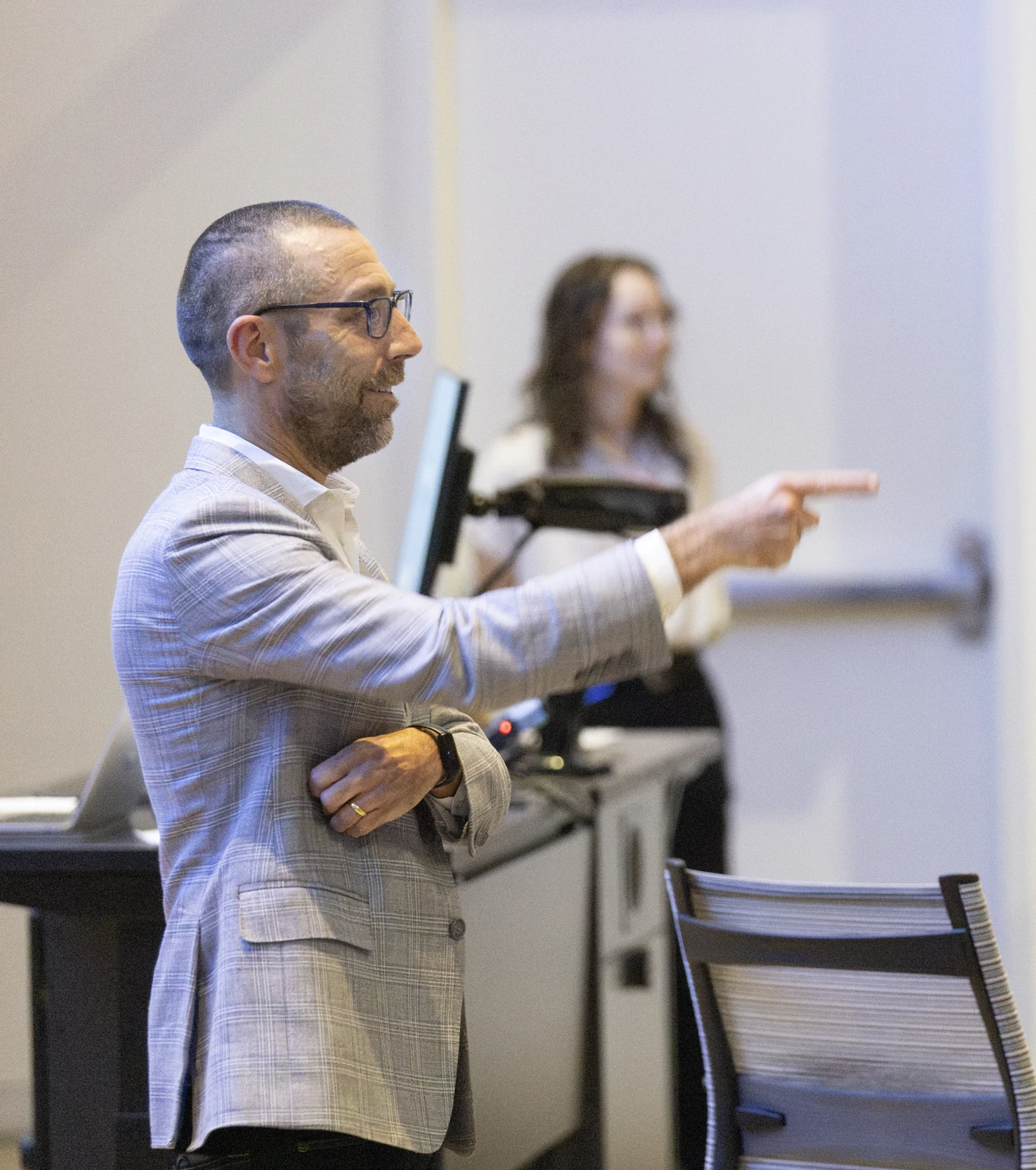
Provost Magnus Egerstedt in a light gray suit, pointing during the robotics seminar
Provost Magnus Egerstedt discusses robotics and autonomous systems.

Robotics and self-driving cars

A lesson with Provost Magnus Egerstedt

Provost Magnus Egerstedt, a roboticist, joined the event to talk about robotics, AI and self-driving cars. He connected the students’ controllers with the problem of using information about a machine’s surroundings to decide its next action.

From a driving decision to autonomous systems

Egerstedt’s work includes autonomous vehicles, environmental monitoring and groups of robots moving together. These examples provide research context for the control problems students encountered in Formula110.

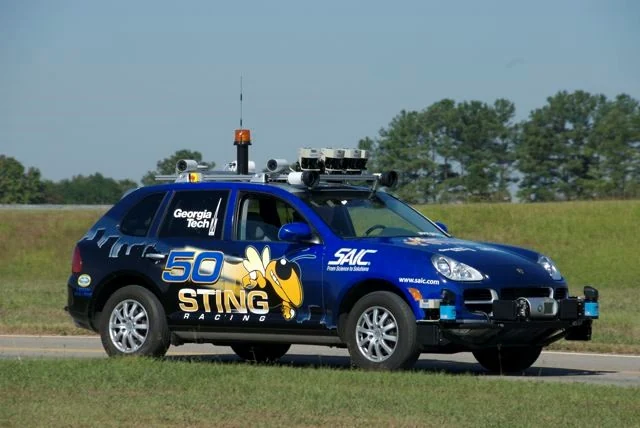
Georgia Tech’s blue Sting 1 Porsche Cayenne with roof-mounted sensors

Sting 1 / An autonomous Porsche

With Georgia Tech’s Sting Racing team, Egerstedt helped develop the control architecture for Sting 1, a Porsche Cayenne entered in the 2007 DARPA Urban Challenge. The project brought sensing, planning and control together in a full-size vehicle.

Read the team’s control-architecture paper ↗ Photo: Dave Wooden / Georgia Tech · Source · CC BY-SA 4.0. Resized and converted to WebP; full frame retained. Photo adaptations shared under the same license.
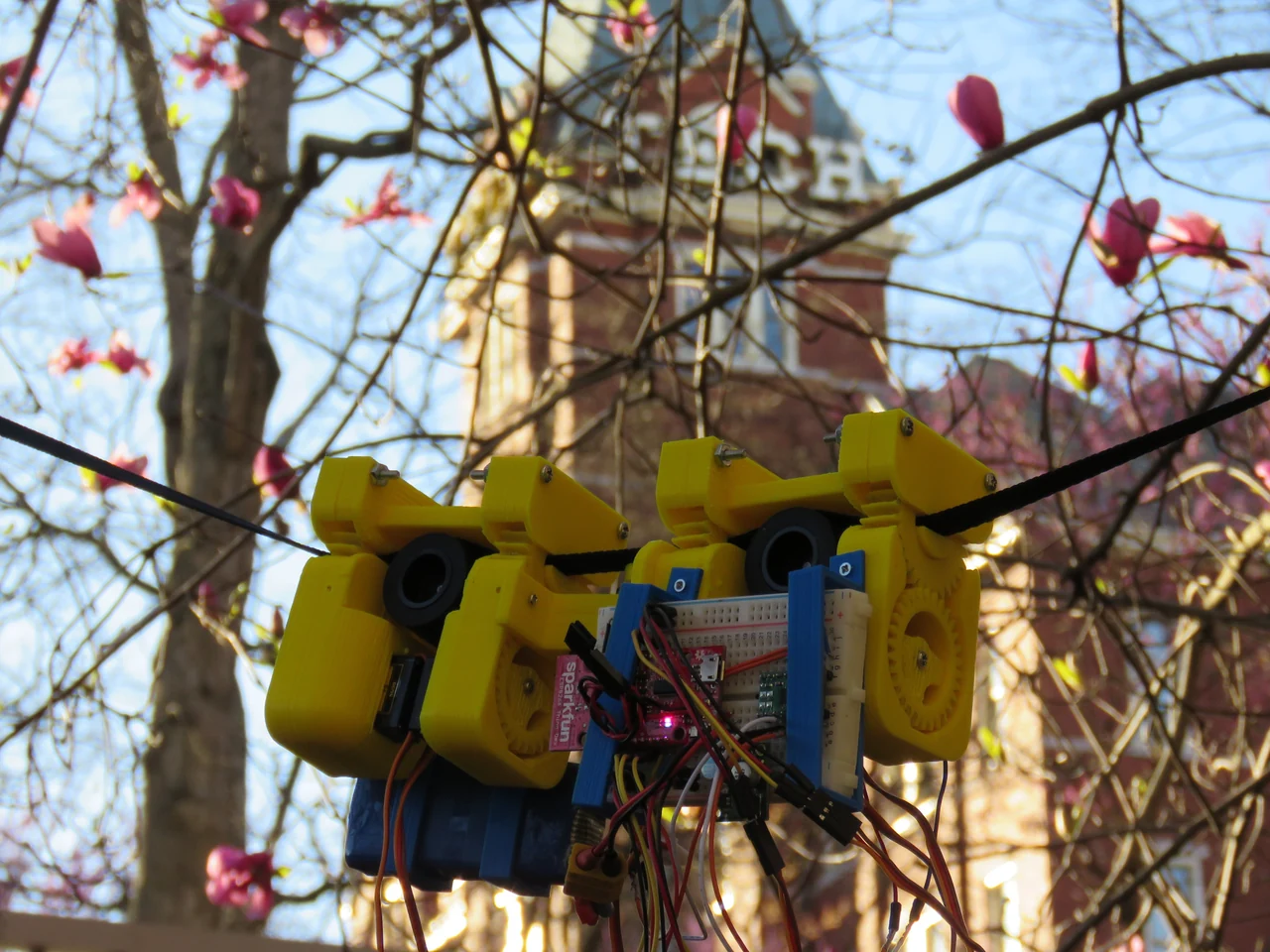
An early yellow SlothBot prototype with exposed electronics suspended from a cable

SlothBot / A slower kind of autonomy

SlothBot explores how slow, energy-conscious movement can support long-term environmental monitoring. This early prototype travels along a cable; later versions carried sensors into the tree canopy.

Read about SlothBot’s field testing ↗ Photo: Gennaro Notomista / Georgia Tech · Source · CC BY-SA 4.0. Resized and converted to WebP; full frame retained. Photo adaptations shared under the same license.
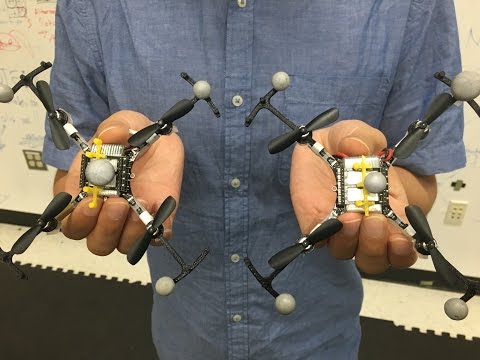
Official Georgia Tech video preview of quadcopters in the formation experiment

Five quadcopters change formation while avoiding one another and the disturbed air beneath neighboring aircraft.
Watch the original Georgia Tech video ↗
Read about the drone formation research ↗

Simulation lets students test a controller, watch how it behaves and revise it. They can repeat a run, compare two versions and investigate a mistake without damaging a physical car.

The research examples above show related control problems in physical robots. Formula110 gives students a place to practice the basic process: read measurements, choose an action and test the result.

COMP590 / Honors AI Engineering

AI Engineering: Where further study can lead

Students in COMP590 Honors AI Engineering presented their own approaches to Formula110.

Their projects explored ways to train a driving strategy from experience and combine learned behavior with programmed decisions. The demonstrations included learning from driving data and using the situation ahead to decide when to push for speed or take less risk.

COMP110 and COMP590 students were using the same simulation at different stages of their studies. The presentations showed how more advanced methods could be applied to a familiar driving problem.

Caleb Han and Mason Mines built an interactive website for their COMP590H project, showing how different driving approaches behave on the track.

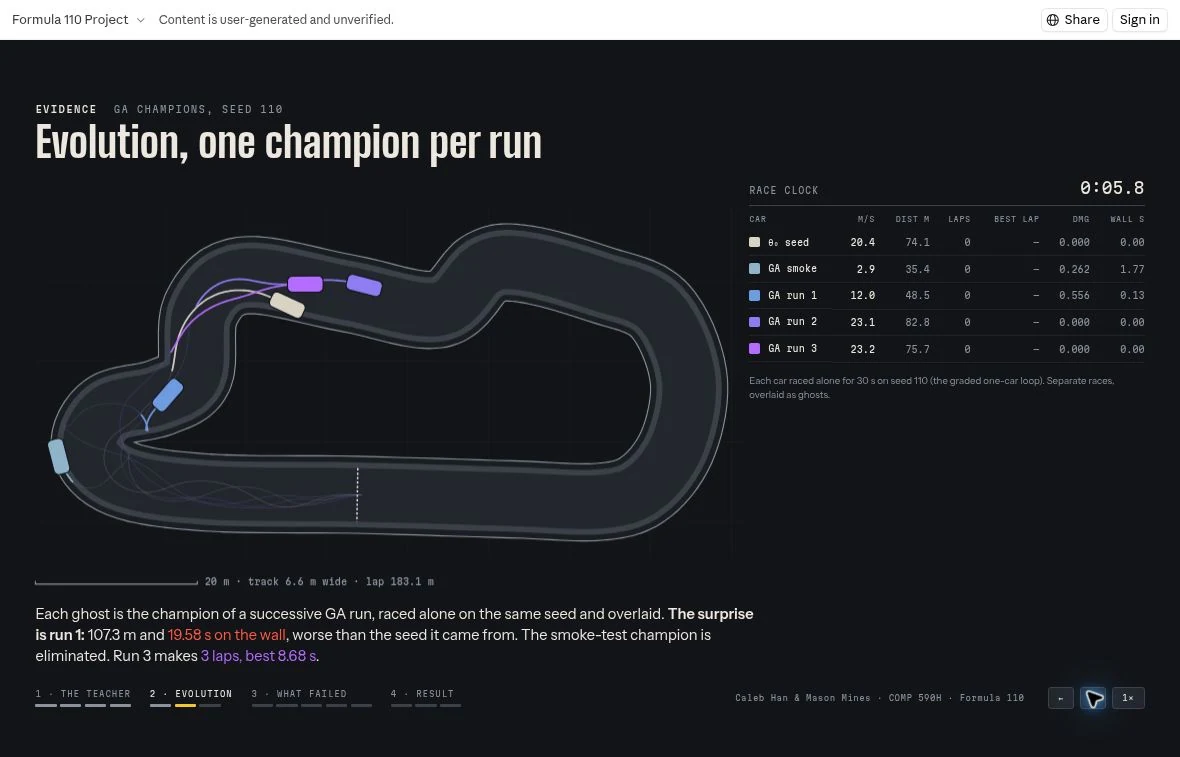
Student racing website showing colored trails from separate evolutionary champions overlaid on one circuit
The site overlays the best drivers from separate evolutionary training runs as ghosts, making their paths easier to compare.
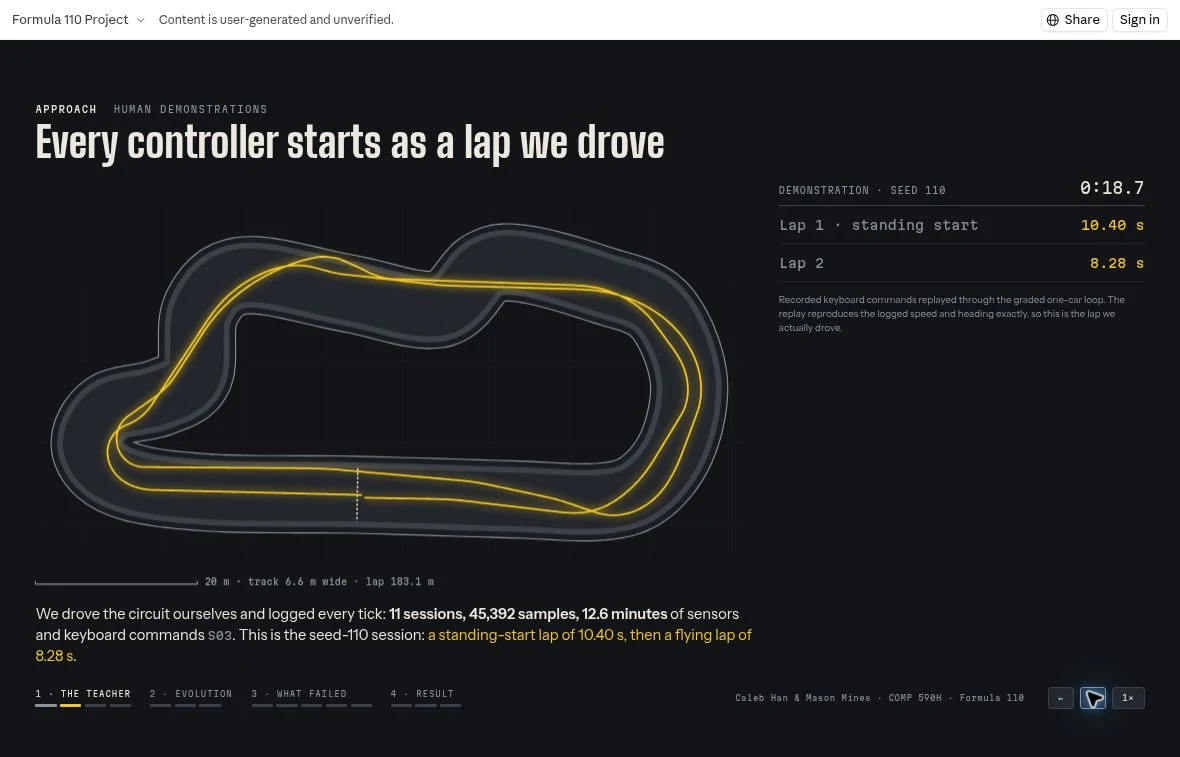
Student racing website showing luminous yellow trails from recorded human demonstration laps
Recorded human driving provides examples for a controller to learn from. The yellow trails show those demonstration laps.
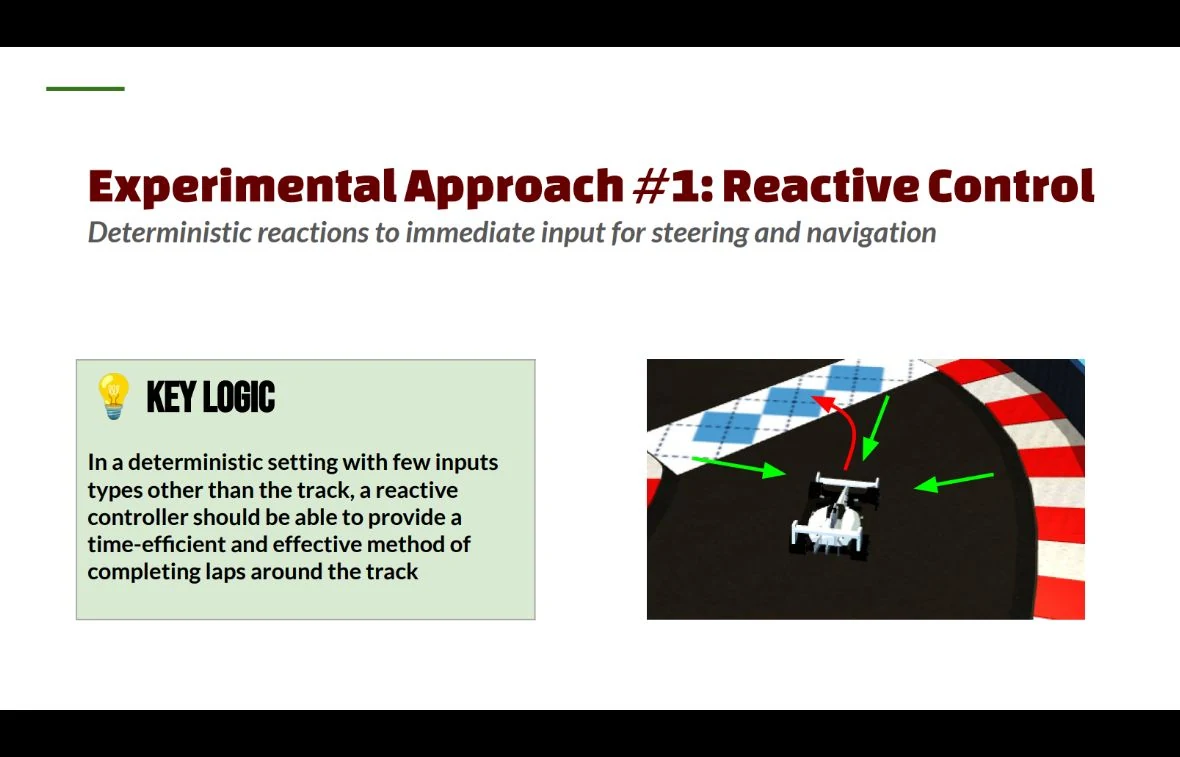
COMP590 presentation slide on reactive control with a car and arrows indicating immediate steering decisions
Reactive control chooses the next driving action from the car’s current sensor readings.
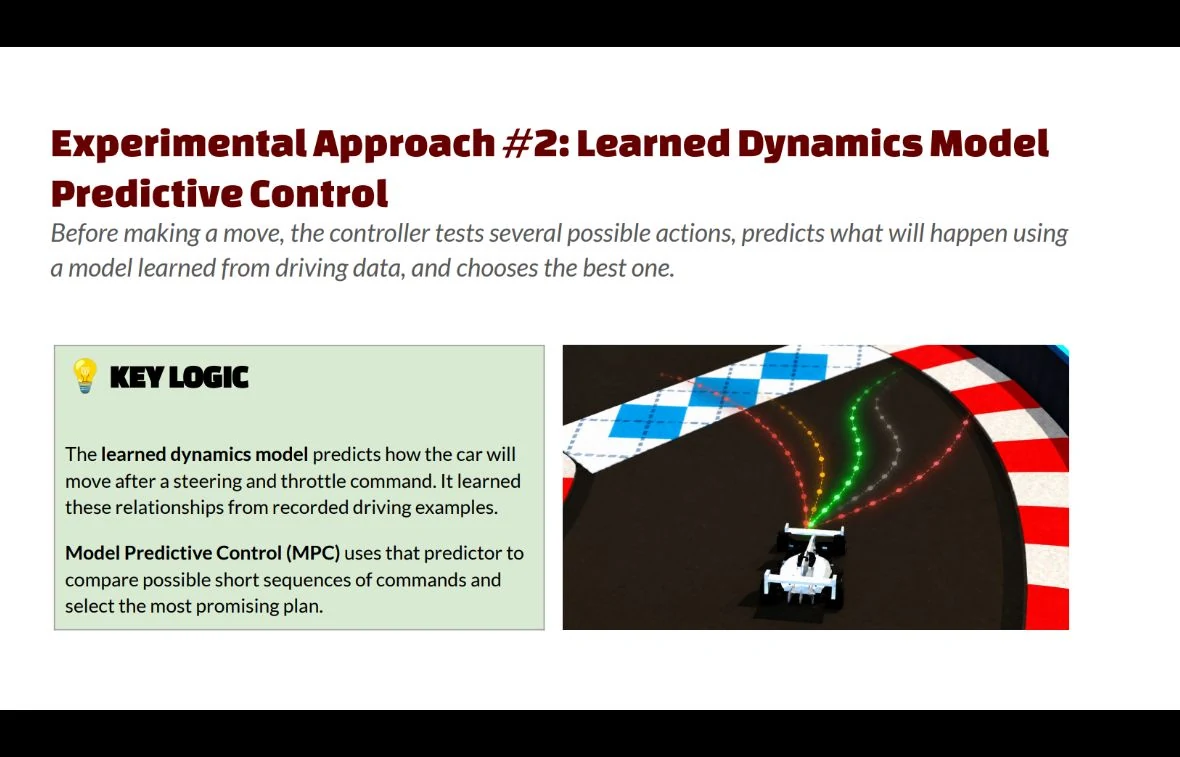
COMP590 presentation slide on learned dynamics model predictive control showing multiple possible paths in front of a car
A learned model helps the controller compare possible paths before choosing its next action.

Interactive website by Caleb Han and Mason Mines / COMP590H

Explore the student project ↗

The Races

Six races, with fields selected from the qualifying leaderboard.

These videos replay the event lineups in new simulator runs.

Videos start muted. Use the player controls to turn on sound.

01 / Low g-forces

Sips Tea

Sips Tea selected controllers with the lowest accumulated horizontal g-force load over a completed lap. The score includes acceleration, braking and turning, favoring a smoother ride. Qualifying averaged each controller’s lowest-scoring completed lap from each of five starting positions.

Watch Sips Tea on YouTube ↗
Formula110 cars on the starting grid

02 / High g-forces

G’s Going Crazy

G’s Going Crazy selected controllers with the highest accumulated horizontal g-force load on laps with no wall contact. Acceleration, braking and turning all contributed. Qualifying used each controller’s highest-scoring eligible lap from each of five starting positions.

Watch G’s Going Crazy on YouTube ↗
Formula110 cars on the starting grid

03 / Damage and survival

Hits Different

Hits Different selected controllers with the most total damage across five qualifying runs. Every run still had to last the full 30 seconds, make forward progress and finish with the car below 100% damage.

Watch Hits Different on YouTube ↗
Formula110 cars on the starting grid

04 / Fastest laps without braking

Gas Locked In

Gas Locked In selected the fastest completed laps with no applied braking. Coasting was allowed. Qualifying averaged each controller’s fastest eligible lap from each of five starting positions.

Watch Gas Locked In on YouTube ↗
Formula110 cars on the starting grid

05 / Fastest clean laps

Clock It

Clock It selected the fastest completed laps with no increase in damage and no wall contact. Qualifying averaged the fastest clean lap from each of five starting positions. This field raced on the original qualifying circuit.

Watch Clock It on YouTube ↗
Formula110 cars on the starting grid

06 / Three laps on a different circuit

Bahrain Grand Prix

The finale selected the leading eligible controllers from All Spawns, No Crumbs, which ranked progress using each car’s weakest result across five starting positions, after recovery penalties. Controllers using concepts beyond COMP110 were excluded from this field. The finalists then raced three laps around Bahrain.

Watch the Bahrain Grand Prix on YouTube ↗
Formula110 cars on the starting grid

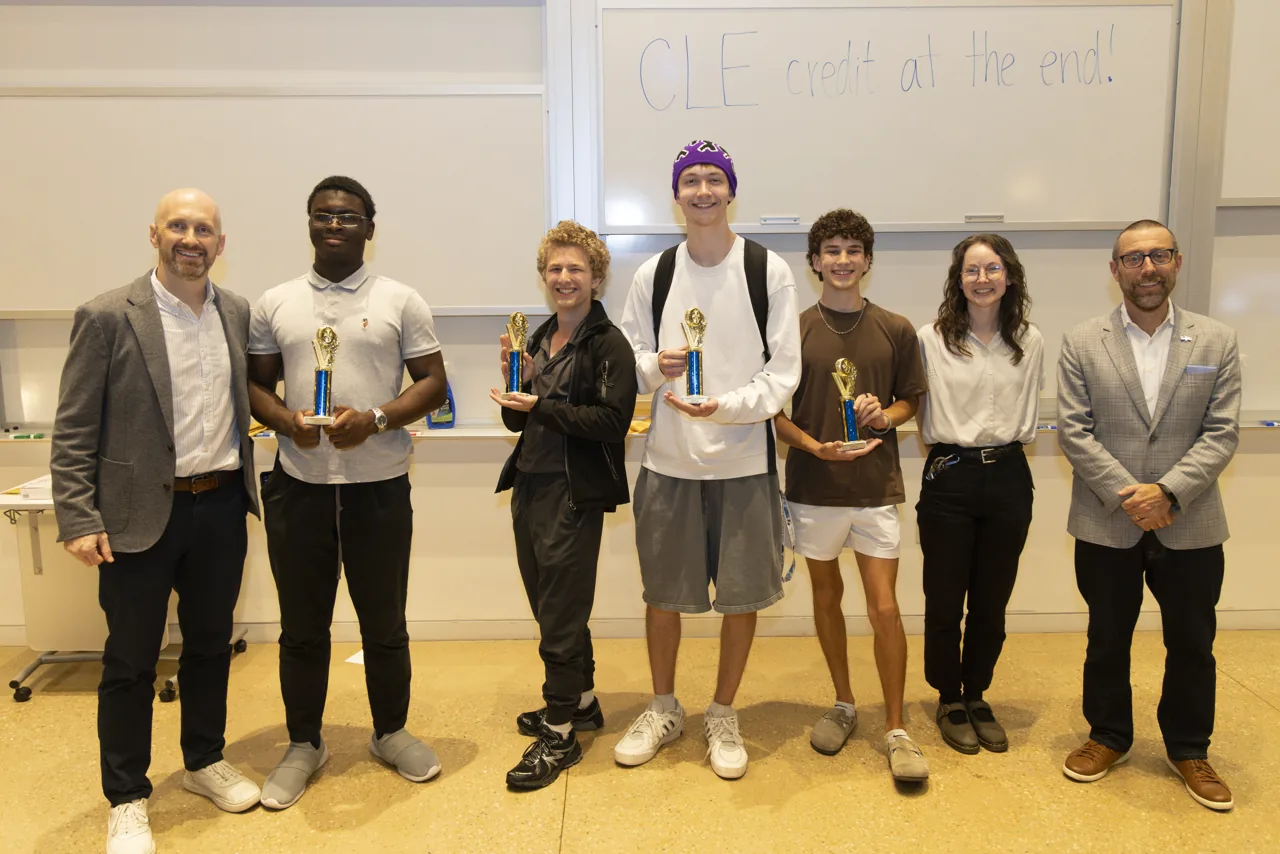
PODIUM WINNERS

Sips Tea
Jack L.
G’s Going Crazy
Gabriella P. & Kai Y.
Hits Different
Evan R.
Gas Locked In / All Gas
Paul A.
AI
Yuhang H.
Clock It
Nicholas N. & Levi B.
Bahrain Grand Prix
Jacob B.

Event photography: Jeyhoun Allebaugh / University Communications and Marketing.

Behind the Scenes

Formula110 began in the summer of 2026 and continued to develop as students used it that fall.

The simulator brought vehicle physics, sensors and race rules together around a small Python interface. Cameras, timing displays and the opening sequence were added as the project grew into a race-night event.

01 / June 27–28

The first circuit

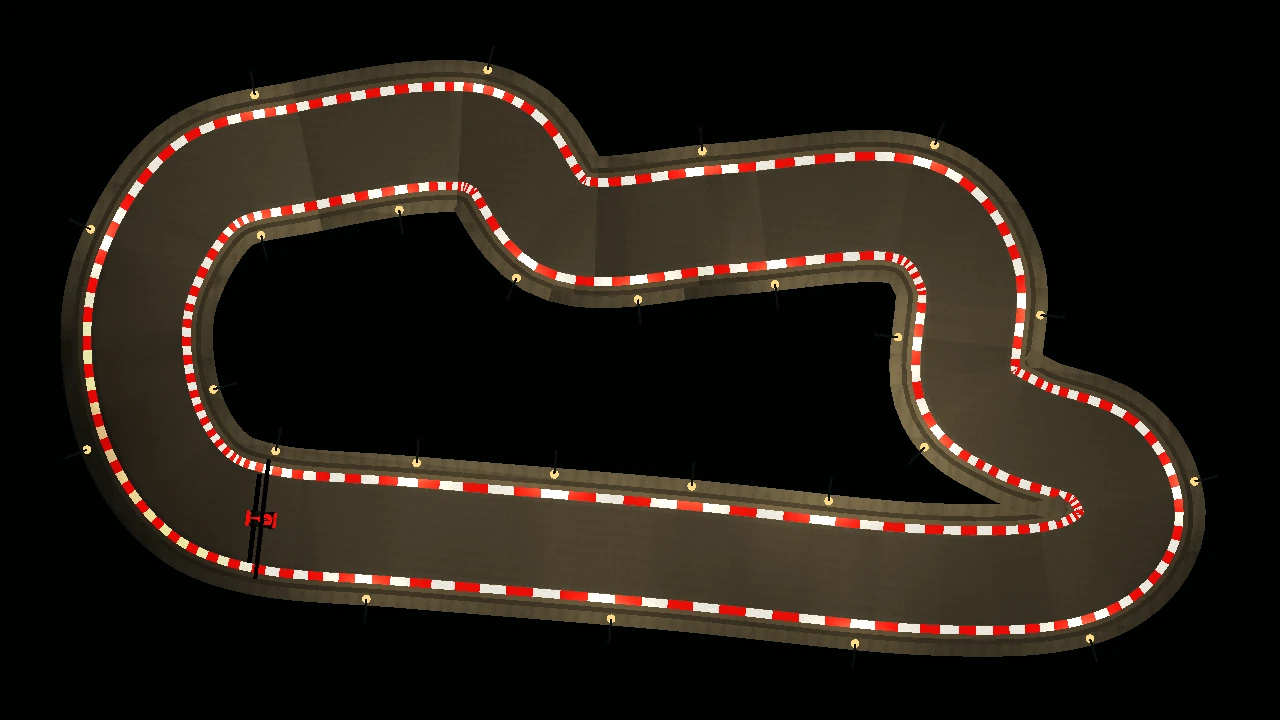
The early prototypes established a car and a road to drive on. Lighting, barriers and painted kerbs added detail to the course, while overhead and following cameras offered different ways to see the car’s behavior.

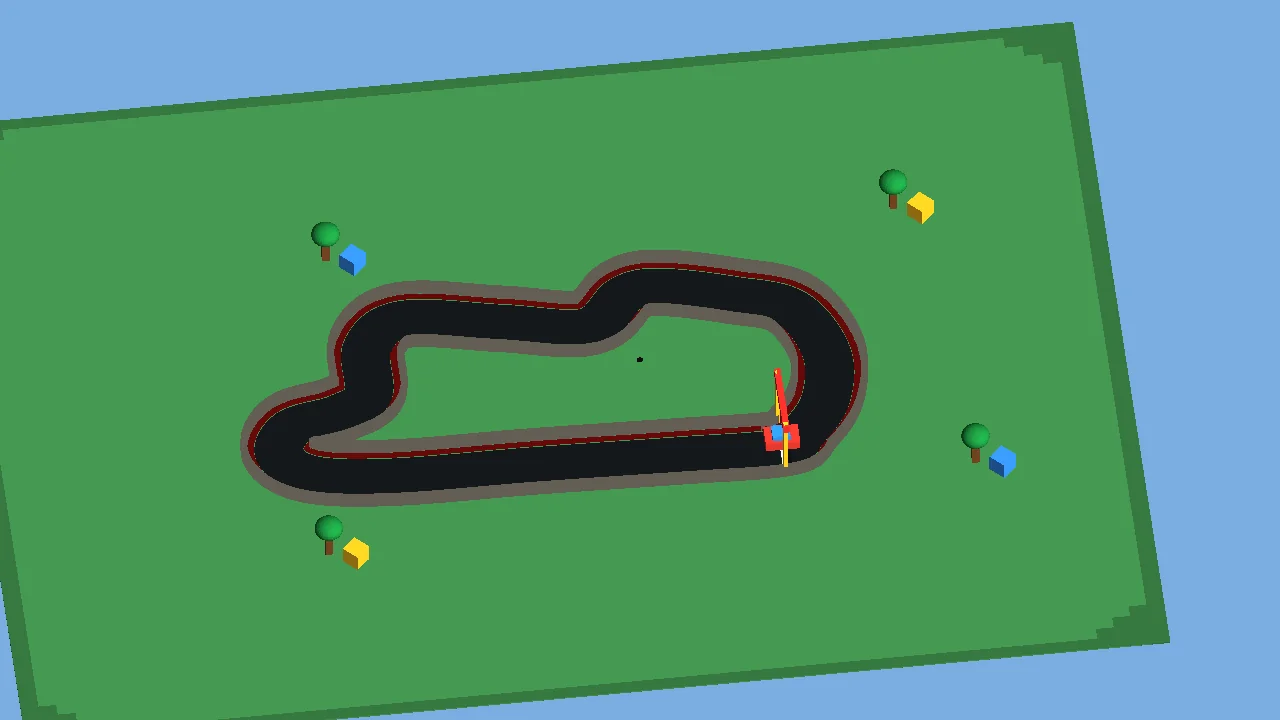
Early racing prototype on a green ground plane beneath a blue sky
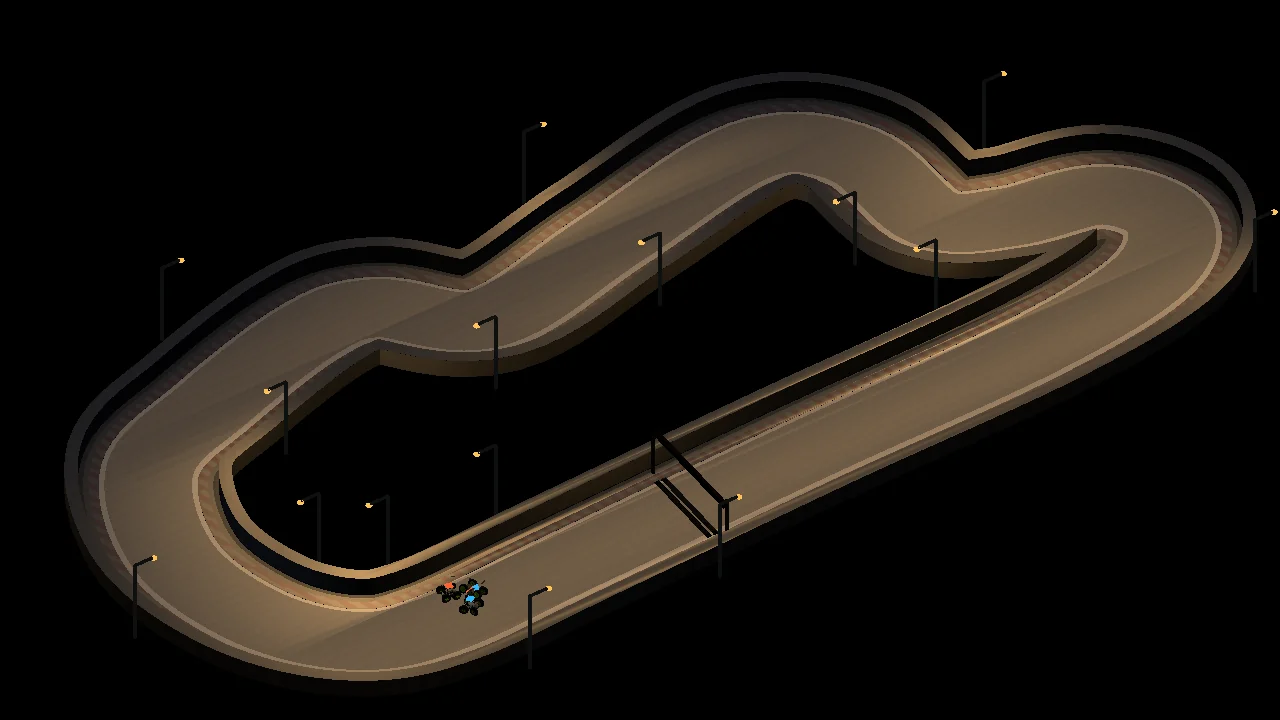
June 27 An early circuit and following camera
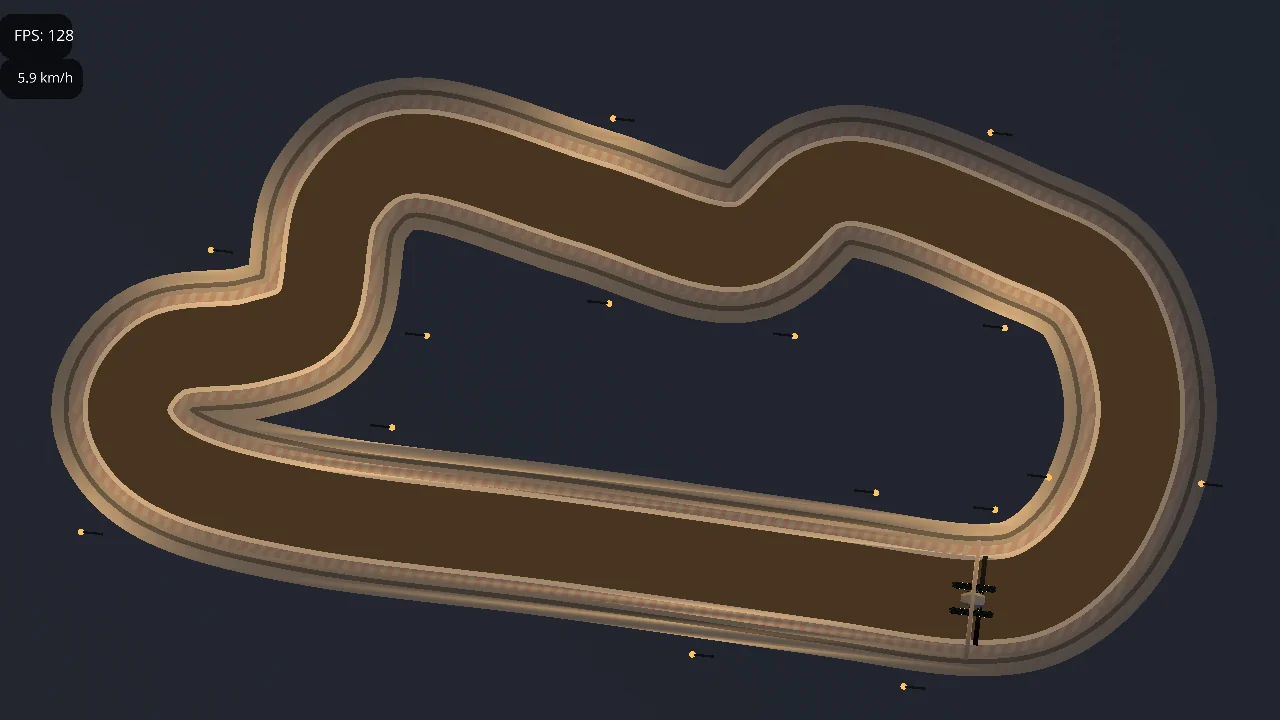
Overhead circuit study with a roadway and trackside lights
June 27 Viewing the circuit from above
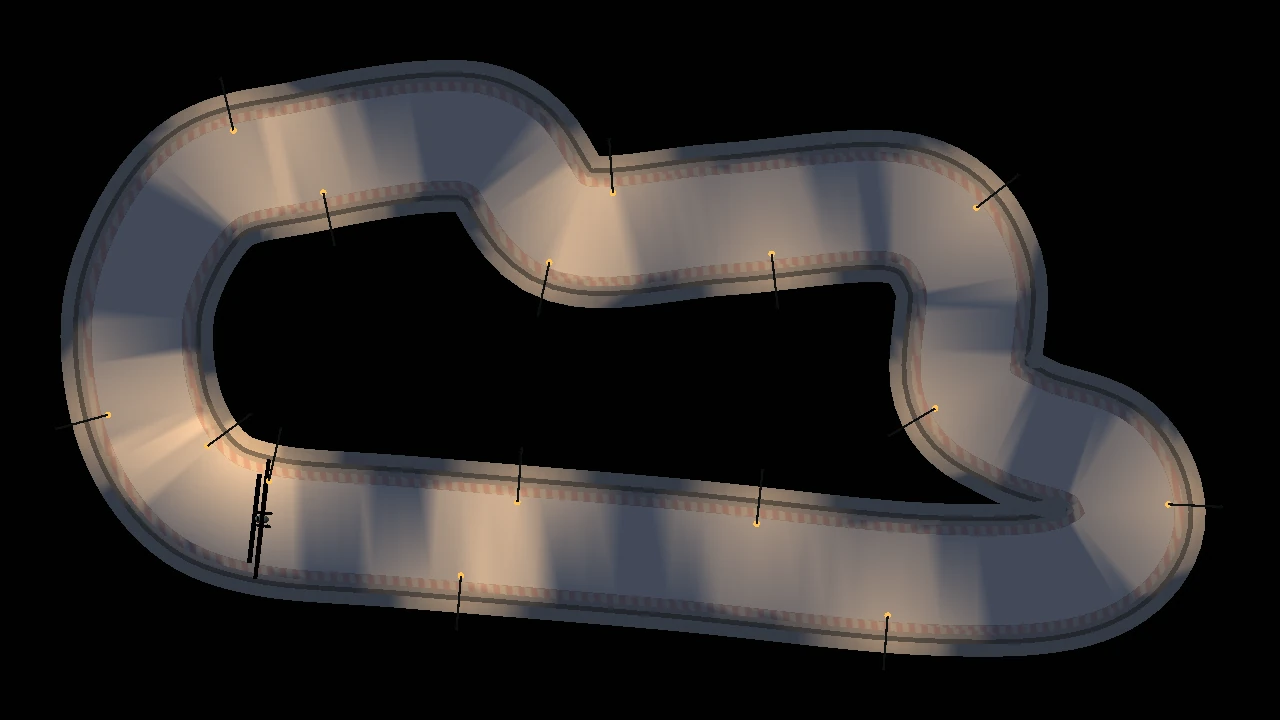
Overhead night circuit with localized pools of light along the roadway
June 28 Lighting the track
Overhead circuit edged by red-and-white painted kerbs
June 28 Painted kerbs mark the course edges

02 / Summer 2026

Cars on the same track

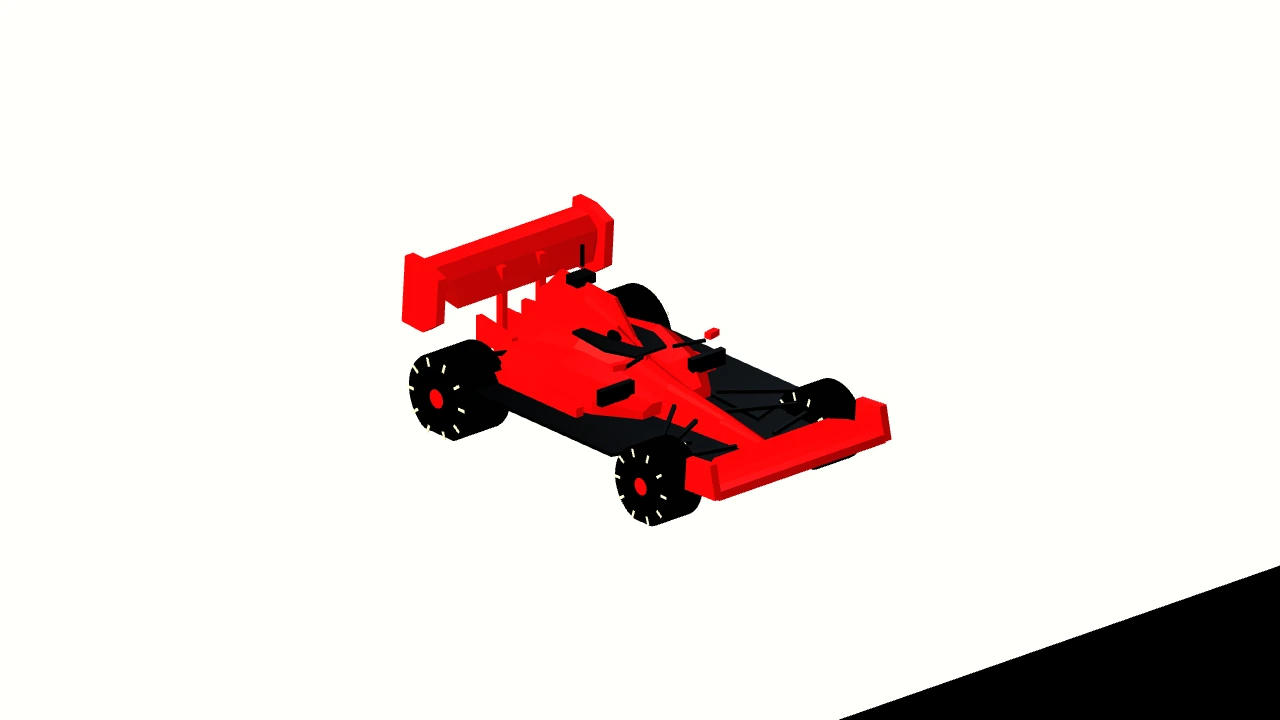
Early tests put more than one car on the circuit. The car’s bodywork and paint also developed through the summer, taking on the open-wheel shape familiar from Formula racing.

Early head-to-head simulator artifact showing two cars on a track
June 28 An early head-to-head test
An early red Formula-style car with exposed black wheels and front and rear wings
July 7 An early red Formula-style car

03 / July to September

Uniquely Carolina

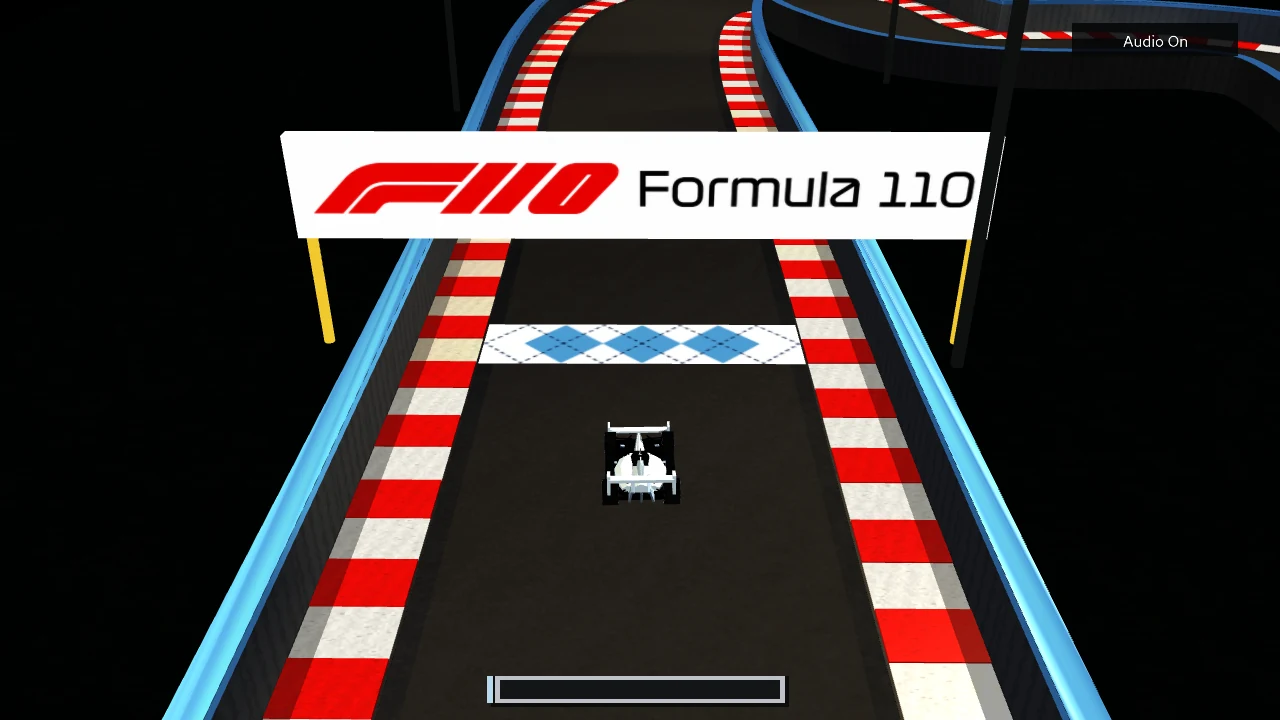
By July, Formula110 had a name and a Carolina-blue-and-white argyle strip painted across the asphalt at the starting line. September refinements carried that identity into the car, logo and opening sequence.

Early simulator starting line with a blue-and-white argyle strip across the asphalt beneath a red Formula110 sign
July 7 Carolina argyle at the starting line
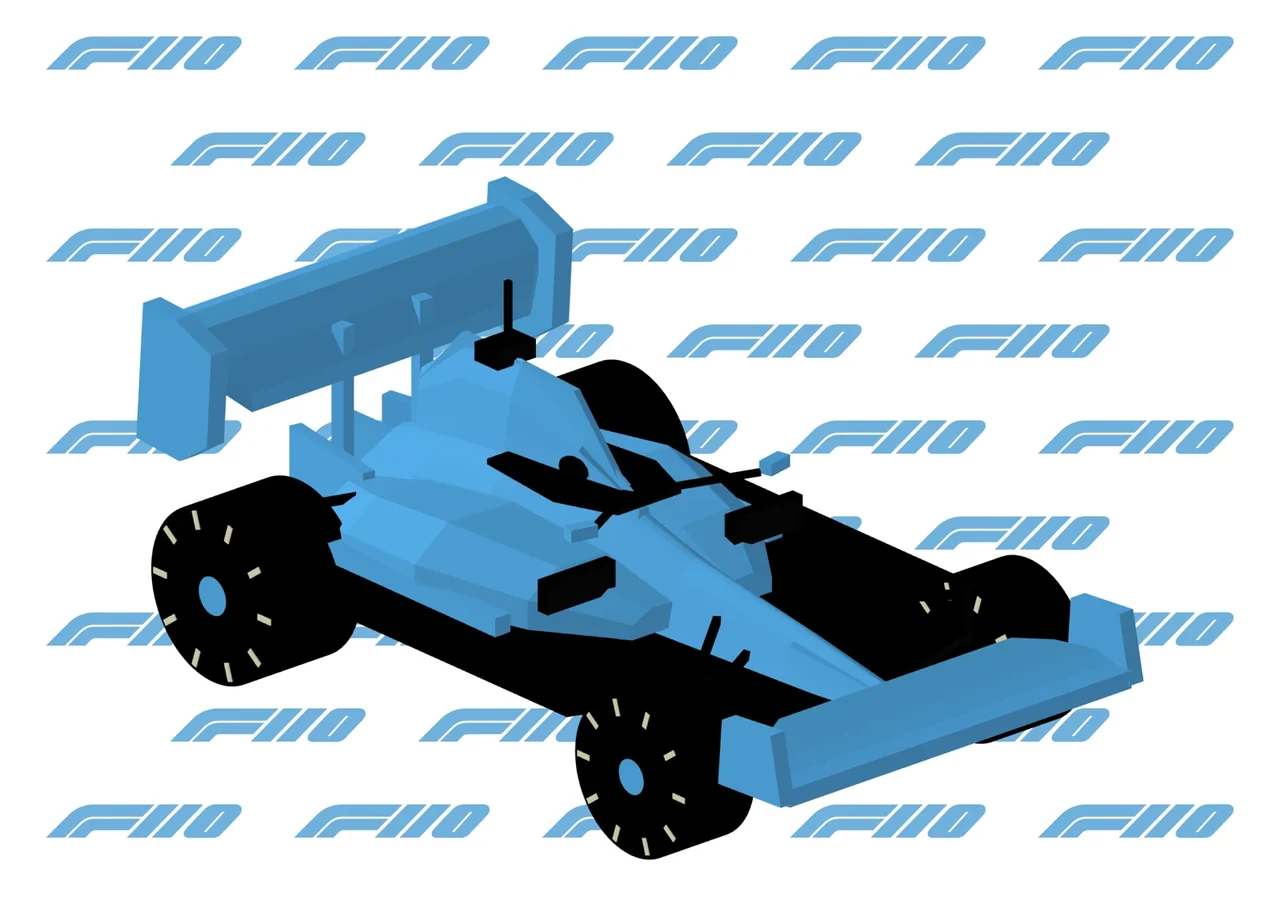
Carolina-blue Formula110 car against a repeating blue F110 emblem
September 14 / Later refinement A later car design
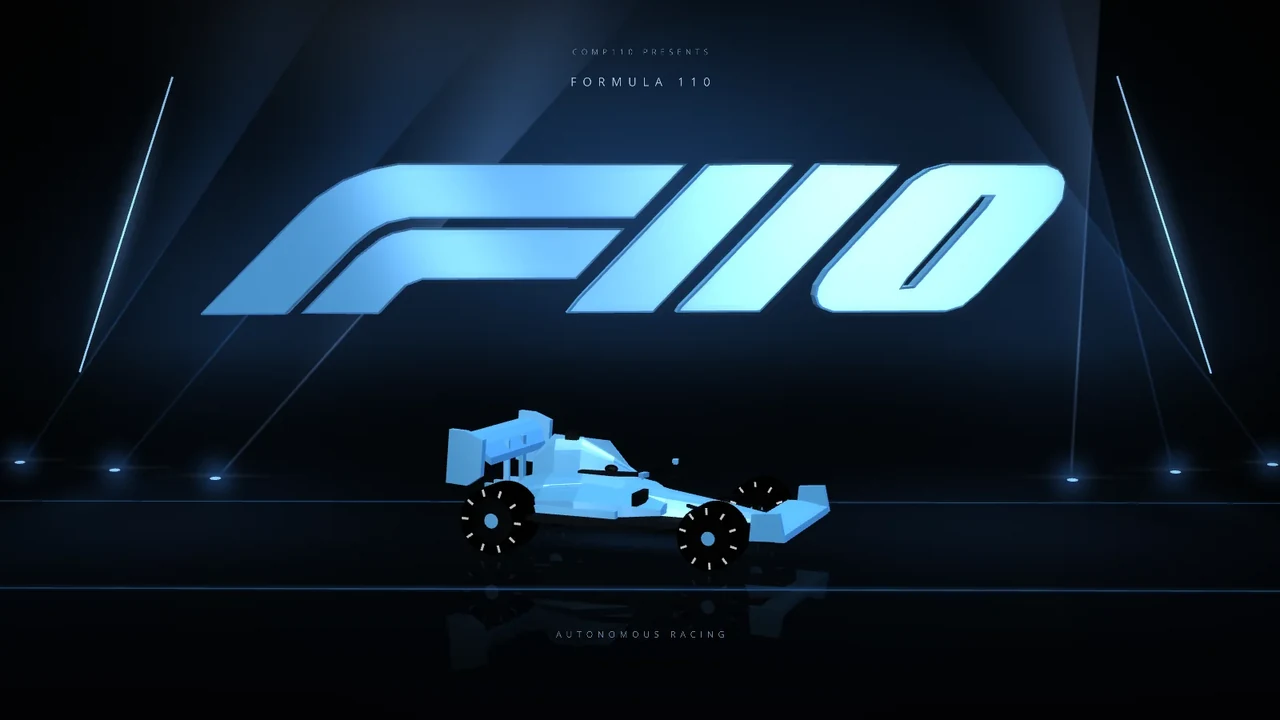
Staged Formula110 opening artwork with a blue car and illuminated F110 emblem
September 28 / Later refinement The Formula110 opening sequence

04 / Early September

An assignment students could build on

Academy organized the driving problem into a sequence of programming tasks. Each level introduced another way to use the available sensor readings, with a previous version of the controller available for comparison.

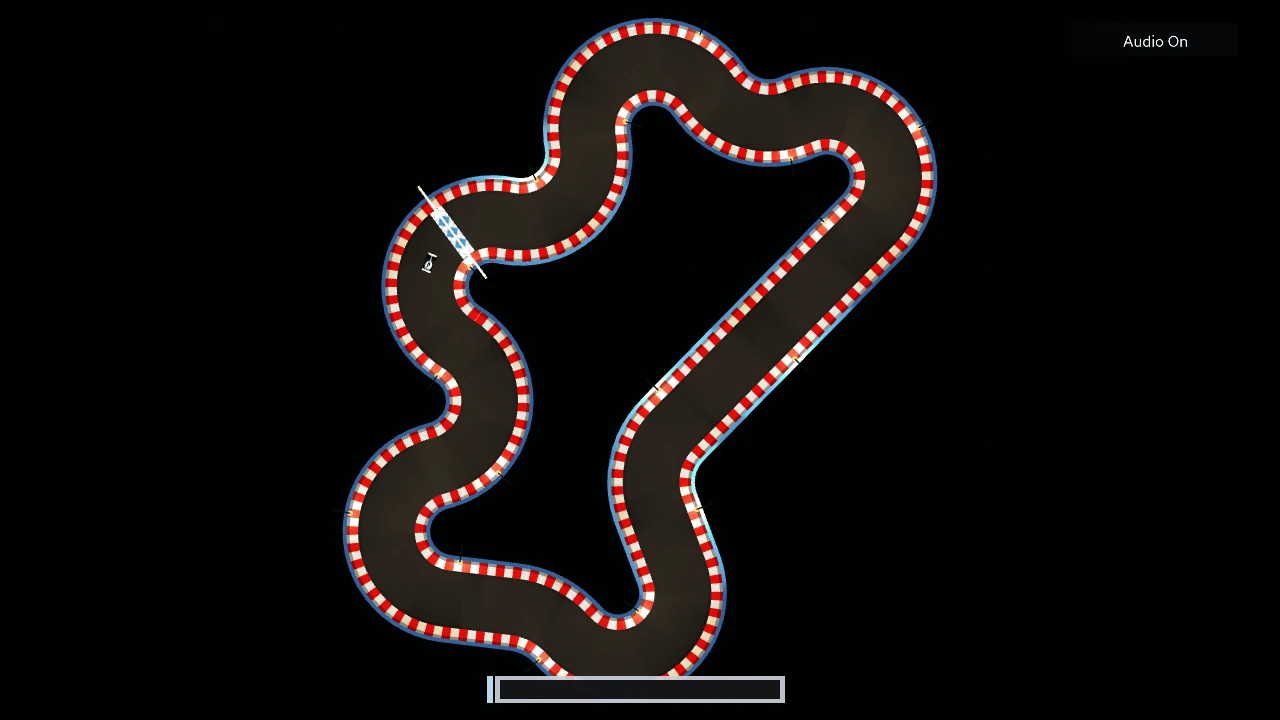
Asymmetric generated circuit with tight bends, long straights and a start-finish line
September 3 A generated circuit with varied corners and straights
The controller loop
Sensor readings
       ↓
Python controller
       ↓
Driving command
       ↓
Next sensor readings
The controller loop The simulator repeats this loop 60 times each second.

05 / Late September

Following the race

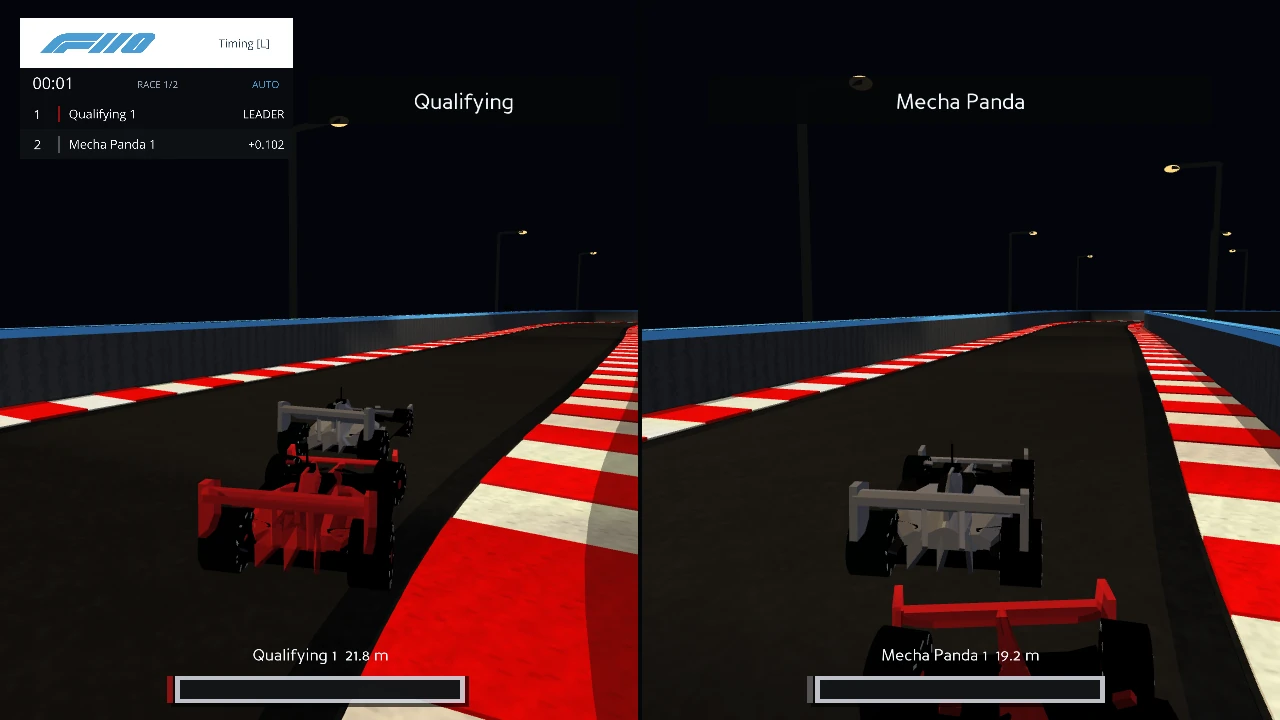
A close camera view helps explain what one car is doing. A full race also needs a way to follow the rest of the field. Split-screen cameras and the timing display let viewers track individual cars without losing the race order.

Two independent close follow camera panels showing cars, timing and damage displays
September 24 Two cars shown in separate following views
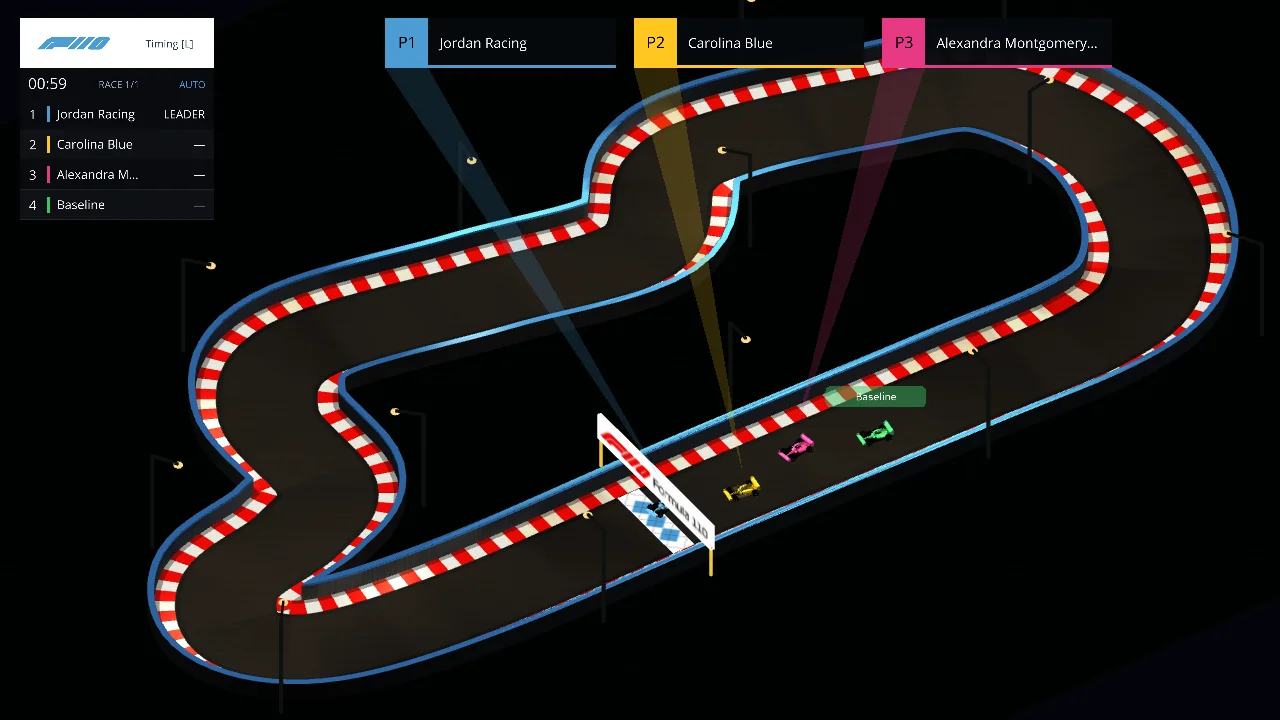
Simulator overview with a timing tower and three leading-car panels
September 28 Race positions and the leading cars

06 / Preparing for Race Day

Preparing for the Grand Prix

By the final preparations, the simulator could bring a field of student controllers onto the grid and follow them through a race. Bahrain provided a different circuit for the finale, extending the challenge beyond the track used in qualifying.

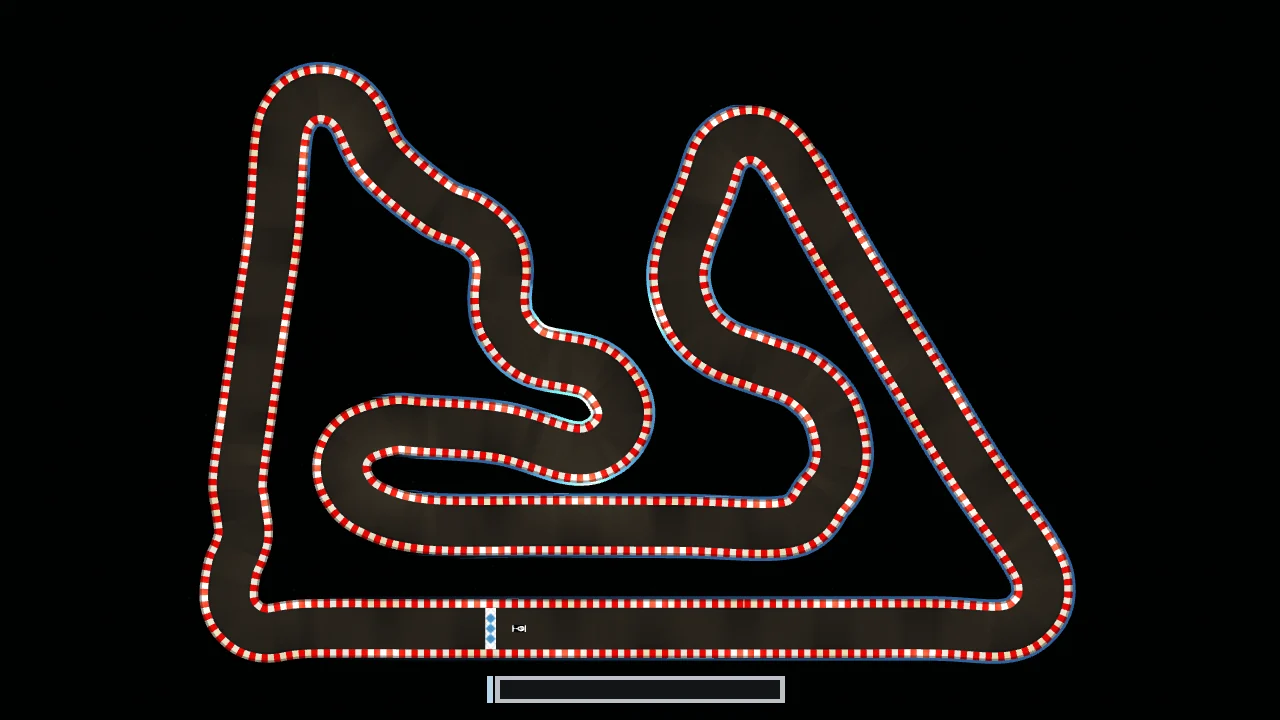
The Grand Prix Track

Overhead view of the simulator’s Bahrain circuit, with its long main straight and infield bends
Bahrain / Current simulator view The Bahrain circuit used for the Grand Prix.
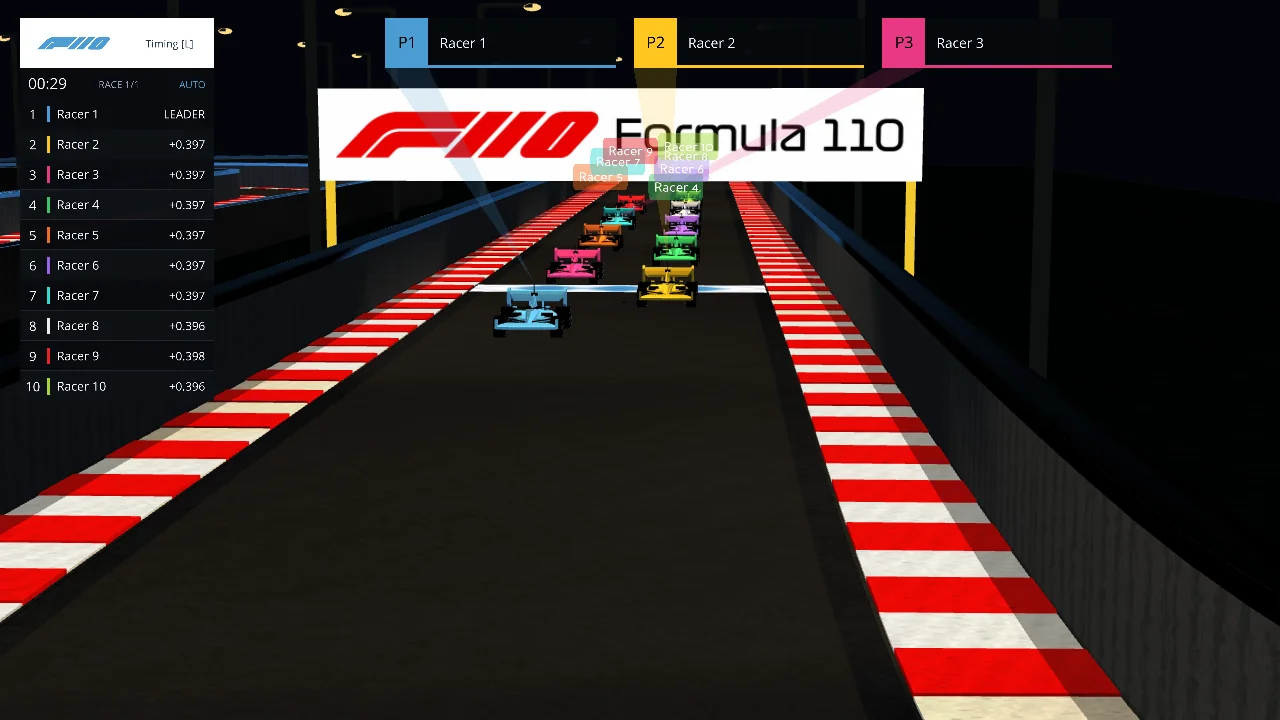
Full Formula110 starting grid and broadcast timing display from a pre-event capture
September 30 A pre-event view of the starting grid

Closing Remarks

“I engineered and co-created Formula110 with today’s frontier AI tools, specifically OpenAI Codex. It would not have been possible without them.”

For me, Formula110 is an optimistic example of AI helping us build more engaging learning experiences on faster timelines. An idea for a programming exercise became a simulation students could drive in, experiment with and race together.

— Kris Jordan